The dashboard for your TapRise plates
TapRise plates send people to your Google reviews, a page with all your links, or any website, with a tap or a scan. This is where you activate them, choose where they lead, see how often they’re used and reply to your Google reviews.
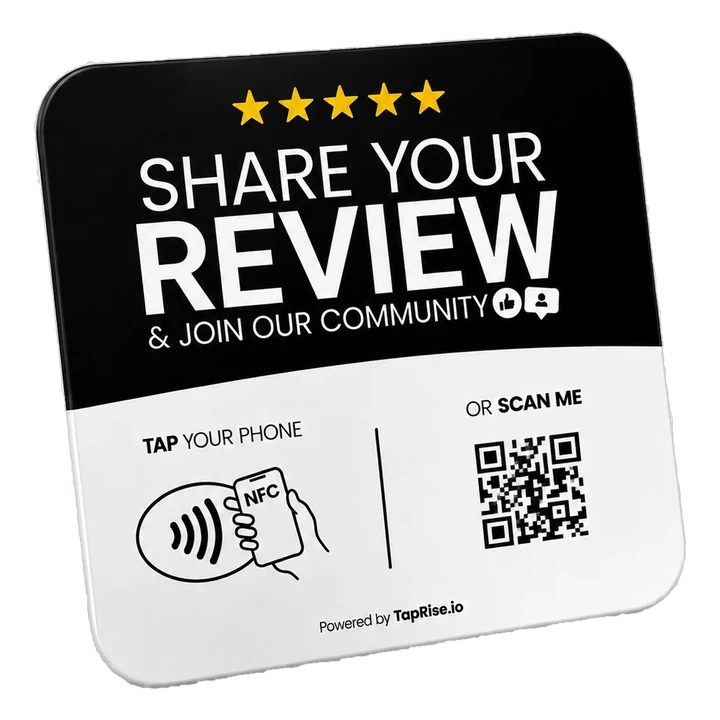
How a plate works
Activate it
Sign in and enter the 6-character code printed on the plate.
Choose where it leads
Your Google review page, a page with all your links, or any website.
Change it whenever you like
The link on the plate stays the same, so you never reprint it. Taps and scans show up in your dashboard.
Google reviews
Connecting your Google Business Profile is optional. If you connect it, TapRise:
- Reads the locations you manage and their reviews, so you can see them in one place.
- Drafts replies with AI, in the tone and language you choose, for you to edit.
- Posts a reply on Google only when you approve it, or automatically for the star ratings you choose if you turn that on.
- Never changes your business information and never deletes reviews.
TapRise asks Google for permission to manage your Business Profile because Google requires it to read reviews and post replies. We use it for nothing else, and you can disconnect at any time in Reviews › Settings or from your Google Account. How we handle Google data
The chime you hear when a plate goes live is a sound effect by ElevenLabs.